A five-person agency starts Monday with three familiar problems: client reports need writing, new leads are asking questions the team has answered dozens of times, and nobody knows why the agency never appears when a prospect asks an AI assistant for a recommendation. Adding another chatbot won't automatically fix any of them. The useful question is which job needs doing, and which tool can fit into the team's existing work without creating a new pile of admin.
This guide compares the best AI tools for business by the work they do, not by brand popularity. The list covers general assistance, office software, CRM and automation, visual content, and AI search visibility. It also separates predictable subscription costs from costs that can rise with usage, and explains what each product can do without implying it guarantees an outcome.
That distinction matters especially for smaller firms. In 2024, 10% of French companies with at least 10 employees reported using an AI technology, up from 6% in 2023, according to INSEE's business AI figures. Adoption is growing, but buying a tool is not the same as getting value from it. Start with one recurring task, define what “better” means, and choose software that makes the work easier to measure. For a practical approach to recurring prospect follow-up, see AI tools for systematic lead follow-up.
1. Wispra
A business can publish helpful information and still be hard for an AI search engine to identify, verify, or recommend. Wispra addresses that visibility problem through Generative Engine Optimization (GEO): it helps a business organise its identity, directory presence, reviews, and content so AI assistants can interpret those signals. It works alongside conventional SEO rather than replacing it.
Getting started takes minutes and begins with a company name. The free plan publishes a business profile in a directory format that ChatGPT, Claude, Perplexity, and Gemini read, and delivers a report measuring visibility across 10 real questions from the business's field, plus the state of the four optimisation levers: Verified Identity, Authority, Reputation, and Expertise. No credit card is required, and nothing changes on the business's own website. According to Wispra's General barometer, 8 in 10 new profiles are read by an AI assistant by the day after they go live.
Where it helps, and what it can't promise
The Performance plan is a paid monthly subscription; check Wispra's website for current pricing. It covers all four levers: keeping company information up to date, bringing review platforms together on one page with each figure attributed to its source and dated, publishing indexable content, and measuring AI visibility every month. The tracking layer adds multi-source attribution from click to lead, and the platform identifies which directories already appear in AI answers for a business's field, showing which ones are missing.
That makes Wispra a practical fit for local businesses, freelancers, agencies, and e-commerce shops, including sectors like real estate, insurance, and hospitality, and multi-location businesses. Visibility is measured across Google AI Overviews, Google AI Mode, ChatGPT, Gemini, and Perplexity. The platform does not promise a particular ranking, citation, or timeline for being mentioned. Those outcomes depend on third-party systems, so treat the measurements and recommended actions as the product rather than a guaranteed lead flow.
Practical rule: Track whether the right business information appears in AI answers, then connect any visibility changes to enquiries or sales in your own reporting.
For a wider look at discovery and optimisation software, see this comparison of AI SEO tools for SEO and GEO. To test the approach on a specific business, start with the free profile and visibility report on the Wispra website.
2. ChatGPT Business
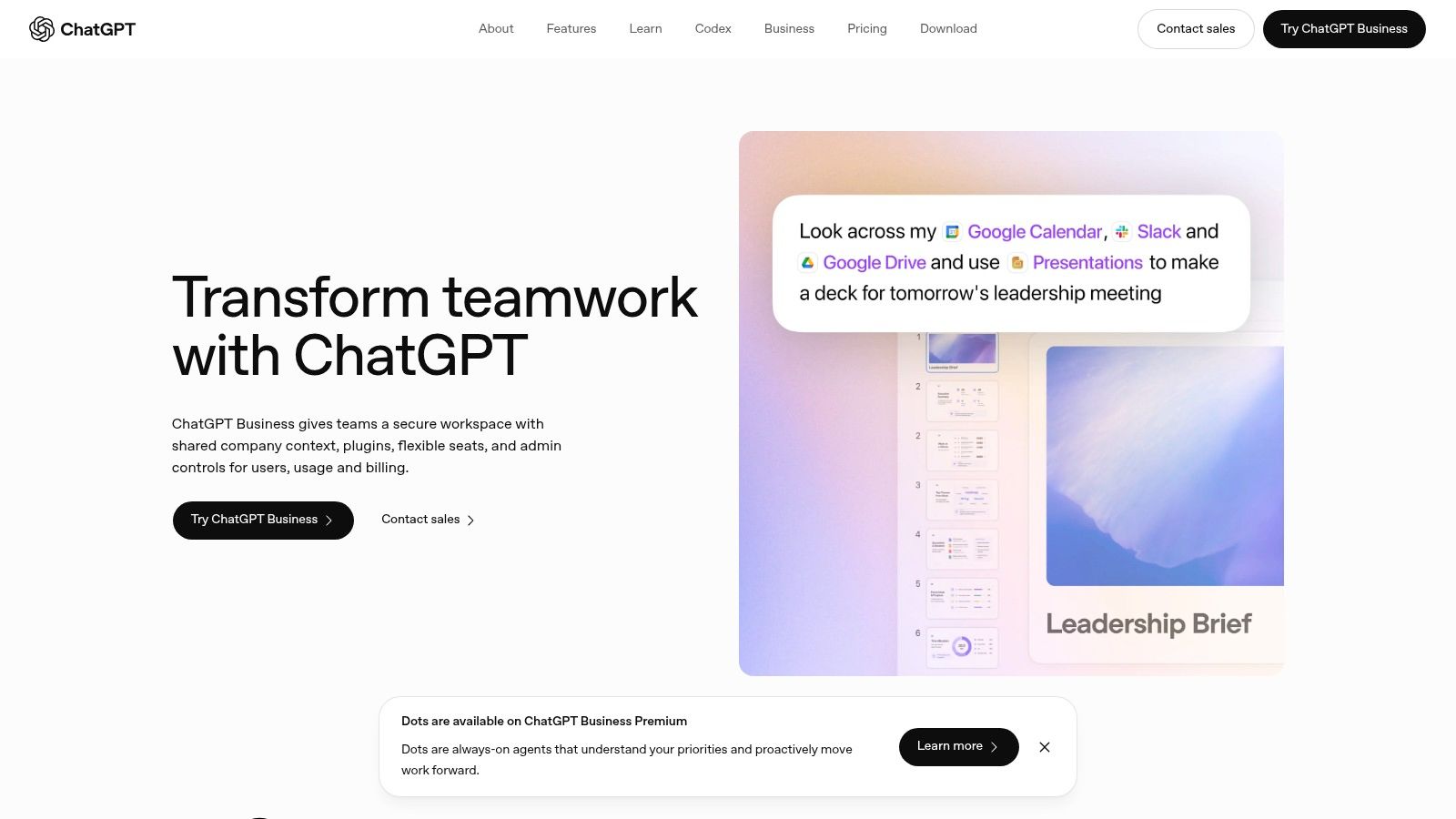
ChatGPT Business is the flexible assistant in this list. A small agency might use it to turn meeting notes into a client update, analyse a spreadsheet, draft a proposal, or develop research questions. It's useful when several departments need a general-purpose assistant and don't want every employee relying on a separate personal account.
The business workspace adds central administration and billing, plus connections to tools such as Google Workspace, Slack, GitHub, and Microsoft 365. Those connections can make it easier to work with company information, but access and outputs still need oversight. Give the assistant a defined task, provide relevant source material, and verify facts before sending a client-facing result.
A capable starting point, not a whole operating system
The strength is breadth. A sales manager, operations lead, and marketer can each use the same workspace for different tasks, with team controls that individual accounts don't provide. Data analysis and workflow tools also make it more than a drafting assistant.
The trade-off is that general-purpose ability doesn't automatically make a specialist product redundant. ChatGPT Business won't, on its own, replace a well-maintained CRM, a design workflow, or a carefully configured automation system. Higher usage and advanced capabilities can also make spend less predictable, so decide who needs access and what work they'll use it for before rolling it out widely.
A useful first test is to pick one recurring deliverable, such as a monthly client report, and compare the time spent producing it with the time spent checking and revising the AI draft. Keep confidential or sensitive information within the company's approved data-handling rules.
For a focused look at the differences between major assistants, read this ChatGPT, Gemini, and Perplexity comparison. The ChatGPT Business workspace is best treated as a shared assistant for varied work, not as a promise that every task will be accurate or finished without human review. Teams planning a rollout can also use Applied's ChatGPT implementation insights to think through adoption.
3. Claude Team
Claude Team is a strong option for businesses that spend much of the week reading, writing, and revising long documents. Give it a project brief, a set of interview notes, or a lengthy report, and ask it to extract themes, identify unanswered questions, or draft a clear summary. Its long context window can be useful when key details are spread across a substantial source document.
Shared projects and knowledge bases give teams a place to organise recurring work. A communications team, for example, could keep a project's core background and terminology together, then use that context when preparing new drafts. Team administration and centralised billing also make it more appropriate for workplace use than a collection of unrelated individual accounts.
Watch the minimum team size
The main drawback for small businesses is the five-member minimum for the Team plan. A solo consultant or two-person studio could end up paying for seats it doesn't need. The Team plan also doesn't include Claude Code, so developers should check whether their requirements call for a different plan or product.
Claude can summarise and draft, but it can still misread a clause, flatten an important qualification, or confidently produce a detail that isn't in the source. For contracts, financial documents, and client commitments, ask it to point to the exact passage supporting an answer, then verify the passage yourself. That simple check is more reliable than treating a polished response as proof.
Use Claude Team when long-form material and shared project context are central to the work. If your main need is task routing or customer records, choose a CRM or automation tool instead. The Claude website sets out its Team and Enterprise options.
4. Google Workspace with Gemini
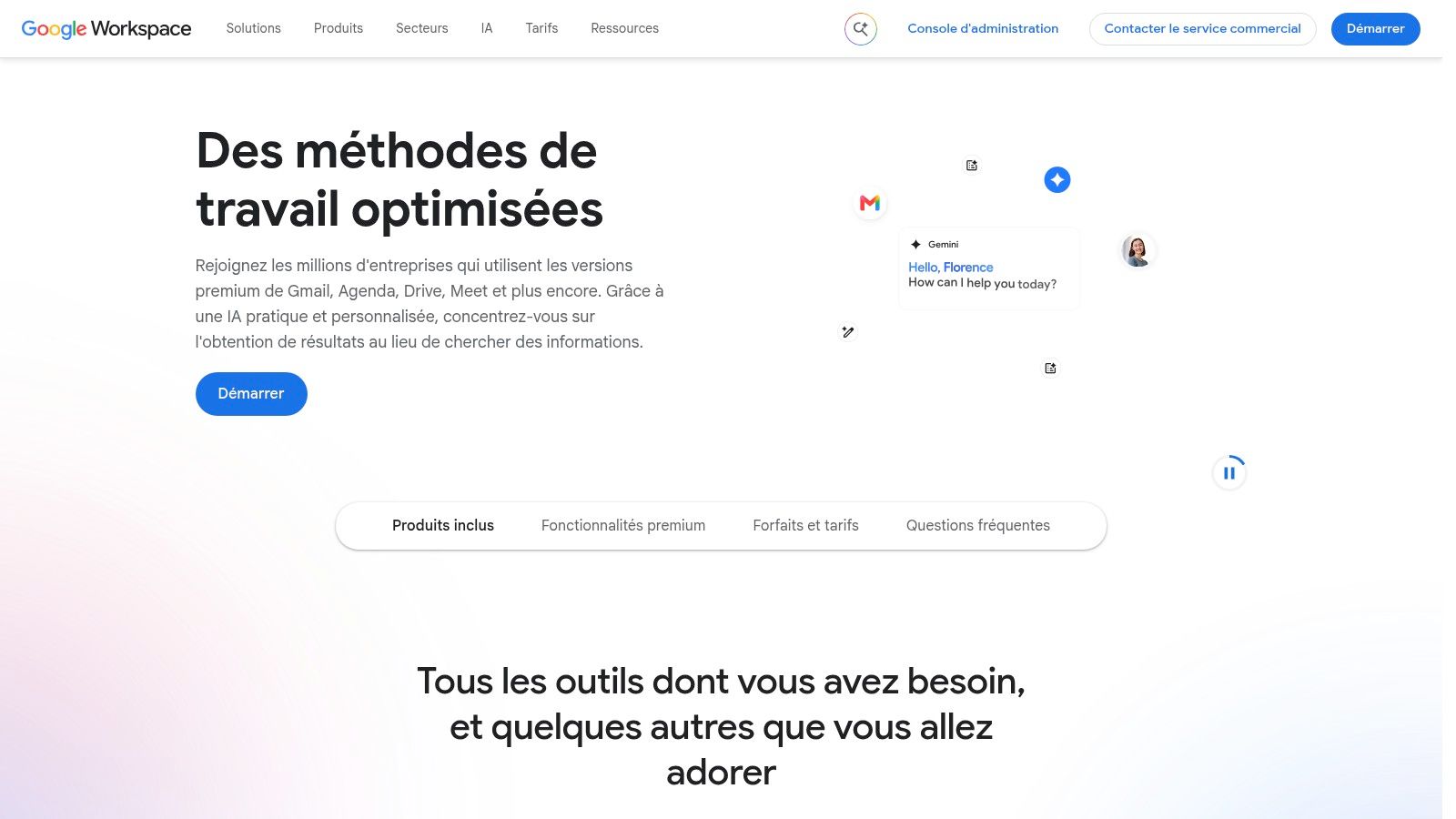
If the business already runs on Gmail, Docs, Sheets, Meet, and Drive, Google Workspace with Gemini keeps AI assistance close to the documents and conversations employees already use. That can reduce the friction of copying material between an office suite and a separate assistant. It's a natural choice for teams that want help with drafting, brainstorming, and working with information inside familiar apps.
The practical benefit is workflow fit. A staff member can work on an email, a spreadsheet, and a shared document in the same environment rather than switching tools for every small task. Business email, storage, collaboration, and Gemini capabilities sit within Workspace plans, with pricing information presented for France.
Choose it for the suite, not just the assistant
Gemini is most compelling when Workspace is already the company's working environment, or when the business is ready to adopt it across email, storage, and collaboration. Buying it only for AI features can be a poor fit if staff mainly work in Microsoft 365 or rely on another document system. The available AI capabilities and storage also depend on the chosen plan.
Before switching, identify where company files live, how staff share them, and which subscription provides the functions they need. Then test a real task, such as summarising a project thread or drafting a document from approved source material. Check the output against the original rather than assuming integration means perfect context.
The Google Workspace site for France is the right place to compare local plans and see how Gemini features fit with the suite. For an existing Google team, this is an office productivity decision as much as an AI decision.
5. Microsoft 365 Copilot
Microsoft 365 Copilot is aimed at businesses that already work in Microsoft's productivity environment. It can assist with documents, spreadsheets, email, and meetings in familiar Microsoft apps, helping staff avoid moving between separate tools for routine office tasks. That makes it more relevant to a company with established Microsoft workflows than to one choosing an office suite from scratch.
Its business context depends on licensing and configuration. When those are set up correctly, an assistant working within the Microsoft environment may fit more naturally into central administration and existing security practices than a collection of consumer accounts. The value is less about having a new chat window and more about helping people work with information where they already store and discuss it.
Check eligibility before budgeting
The cost can't be judged in isolation. Businesses need to check which Microsoft 365 plan they have, which Copilot licence is required, and whether the existing subscription meets the eligibility conditions. The total expense depends on the subscriptions already in place, so compare the incremental cost against the time the team expects to save.
Copilot is less attractive if employees work mainly in Google Workspace or another office suite. In that case, switching between environments may add friction rather than remove it. Keep the first pilot narrow: choose a workflow such as meeting follow-up or document preparation, define who reviews the output, and assess whether it reduces manual effort.
The Microsoft 365 Copilot page for France provides the product and purchasing information. It's a sensible candidate when Microsoft 365 is already the business's operational home, but it isn't a universal add-on for every company.
6. Mistral AI
Mistral AI gives businesses a French-developed provider to consider alongside international AI platforms. Its options range from chat and research to a team workspace, APIs, and enterprise deployments. That range is useful for a company that wants to begin with employee assistance and later explore a more controlled deployment or build AI capabilities into its own product.
The team workspace lists collaboration features such as domain verification and data export. For organisations with specialised requirements, enterprise options include private deployments and custom support. API and platform options also create a path for developers who want to integrate models into a business application rather than rely only on a chat interface.
A provider's origin can inform a procurement decision, but it doesn't replace a review of the specific product, contract, and data terms.
The main trade-off is that enterprise pricing isn't presented as a simple self-serve rate. Teams comparing providers should examine the actual features, usage limits, support, and contractual terms for the deployment they intend to use. Don't assume that two services with a chat interface provide the same controls or operational fit.
Mistral may suit a business evaluating European providers or one that wants a route from collaborative assistant use to a more managed deployment. It's less suitable for a buyer who needs a fully priced, immediately comparable enterprise package without a sales conversation. Explore the available products and options on the Mistral AI website.
7. Canva
Canva helps a small business produce visual marketing material without sending every social post, presentation, or advertisement to a designer. Its template library and drag-and-drop editor make it approachable for staff who need to create routine assets. AI-assisted tools can support image editing and content creation, while paid plans add brand and collaboration features.
This is especially useful when a team has repeated design needs, such as turning a promotion into a social post, a presentation slide, and a simple digital advert. Templates give staff a starting structure, and brand features help keep common colours and assets accessible to collaborators. A free option also lets a business test whether the workflow suits its team before upgrading.
Use templates for speed, not as a substitute for judgement
The weakness of template-led design is that a business can end up looking like every other account using the same layout. Treat the template as a production shortcut, then adapt the copy, imagery, and hierarchy to the audience and offer. Check every generated visual and line of text before publishing, especially when the design includes product details or a promotion.
AI usage limits can vary by task and plan, so frequent users should check what their subscription includes. Businesses needing precise control over complex layouts or specialist production may still need dedicated design software or a professional designer.
Canva is a practical choice for repeatable marketing work, simple presentations, and teams that need to create assets without a lengthy design hand-off. It's not a replacement for art direction when the visual identity itself is the product. The Canva site for France is the starting point for trying the editor and comparing plans.
8. HubSpot Smart CRM
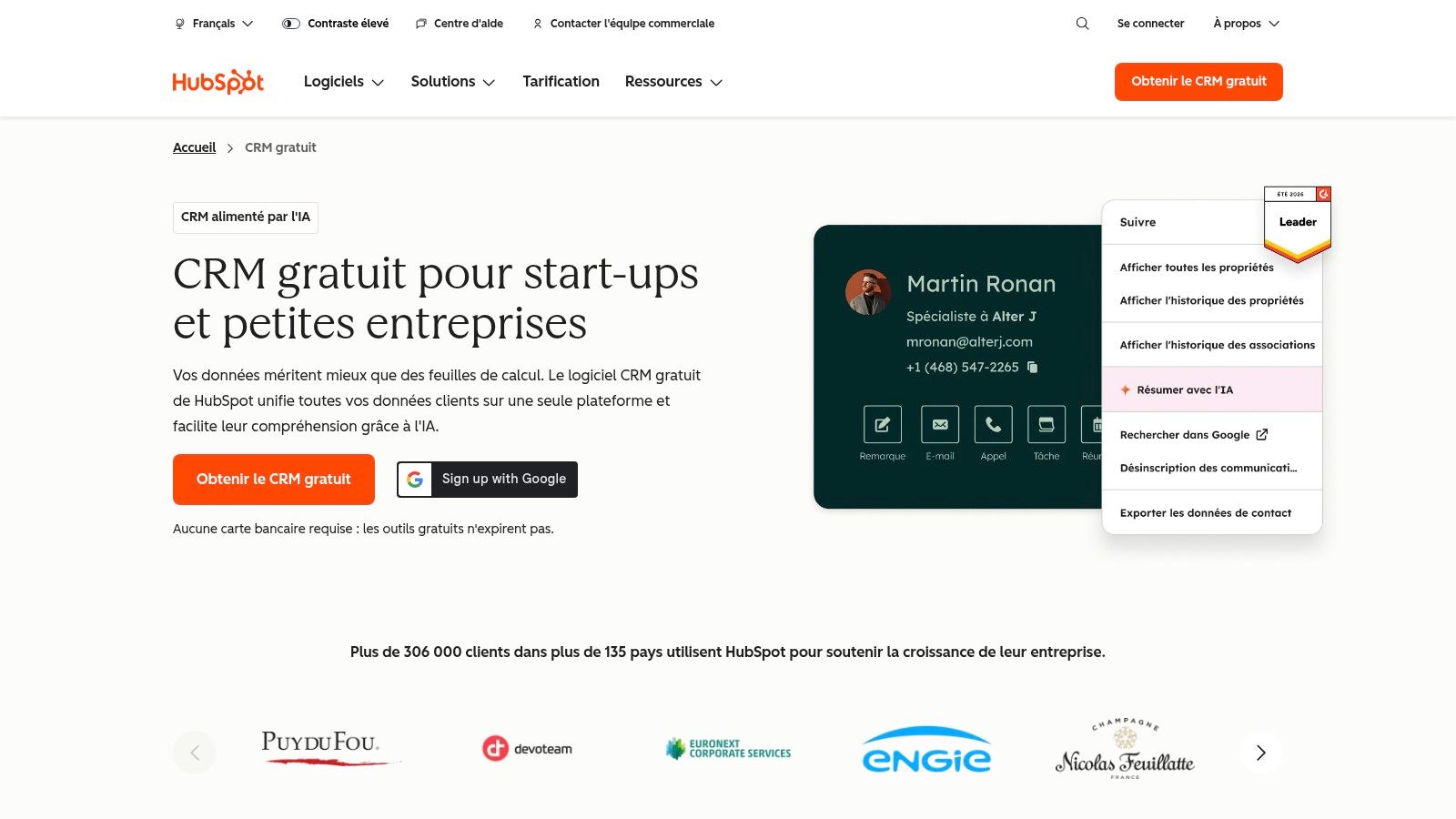
HubSpot Smart CRM is for businesses that need to keep customer conversations and sales opportunities in order. It brings together contact, company, and deal records with pipeline and reporting tools. AI features connected to CRM context can support work around those records, while paid options add more advanced capabilities across the platform.
The practical value is a shared view of prospects. A small sales team can record who made contact, what was discussed, and what needs to happen next, rather than relying on an inbox search or one person's memory. A free CRM tier provides a low-friction way to establish that habit before investing in a larger system.
Keep the process cleaner than the software
A CRM can't rescue a sales process that nobody follows. Agree on what counts as a qualified lead, who owns each new enquiry, and which stage a deal should occupy. Then configure only the fields and reminders the team will maintain. Too many required fields make staff avoid the system; too few make reporting unreliable.
The main cost question is how far the business moves beyond the free starting point. Features and pricing differ by product and plan level, so compare the capabilities required with the plan that provides them. A solo business with only occasional enquiries may find a full CRM more system than it needs.
HubSpot works best when prospects arrive through several channels and someone needs to keep follow-ups visible across the team. For service teams also comparing CRM options, consider Sift AI's customer service CRM comparison. Product details and current options are on the HubSpot CRM site for France.
9. Zapier
Zapier connects business applications through automated workflows called Zaps. A company can use it to route a new lead to the right person, update a CRM record when a form arrives, or notify a colleague when an important event occurs. AI steps can classify, extract, or generate information as part of that workflow.
The best automations start with a process that already works when someone does it manually. For example, a lead form could trigger a record in the CRM, send an internal notification, and prepare a follow-up draft for review. That removes repetitive copying while leaving a person responsible for the customer-facing decision.
Usage costs and upkeep are part of the job
Zapier has a free plan for testing basic automations, but paid plans account for usage by tasks. A workflow that runs often can consume more tasks, and AI steps may use multiple tasks depending on the selected model tier. That makes costs less predictable than a flat subscription when volume grows.
Complex automations also need an owner. Apps change, field names get edited, and a process that worked during a test can fail when a real customer record is incomplete. Add error notifications, test unusual cases, and review the workflow after changing connected systems.
Zapier is a good fit when a business wants to connect its existing apps without commissioning every integration from scratch. It's not a “set it once and forget it” solution for a process that affects customers or money. The Zapier website explains its automation products and plan options.
10. OtterlyAI
OtterlyAI measures how a brand appears in AI search answers. It gives marketers a way to monitor mentions, citations, competitors, and visibility across selected platforms, alongside conventional marketing tools. That addresses a different question from a standard search rank tracker: whether an AI answer names or cites the business for a prompt that matters to its audience.
A marketing team can use prompt tracking to check how answers change, identify competitor mentions, and review which sources appear in citations. It can also use GEO audits to look for opportunities to improve the information available about the brand. The tool measures visibility; it doesn't make an AI engine recommend the business.
Check coverage before selecting a plan
OtterlyAI supports multiple countries and daily tracking, while higher tiers add prompts, workspaces, and integrations. However, some engines, including Claude, Gemini, and Google AI Mode, are paid add-ons. Before buying, make sure the platforms covered by the plan match where your customers search, and check how many prompts the subscription allows.
Monitoring alone won't produce more recommendations, enquiries, or sales. Use it as a measurement layer: track a consistent set of questions, note changes in mentions and citations, and compare them with business outcomes in the CRM or analytics system. If the tracked prompts don't match real customer questions, the report won't guide useful work.
For a wider view of this category, see AI citation tracking tools. OtterlyAI is the specialist monitoring option in this list; its website explains current coverage and plan details.
Ten AI tools compared by category, pricing model, free option and best use
| Item | Category | Pricing model | Free option | Best for |
|---|---|---|---|---|
| Wispra | AI visibility and GEO optimization | Free profile; paid Performance plan with monthly AI visibility tracking | Yes, directory profile and AI visibility report at no cost, no credit card required | Businesses improving discoverability in AI answers |
| ChatGPT Business | General-purpose AI workspace | Paid per-seat plans with different usage levels | Paid plans only | Teams needing a flexible assistant across business tasks |
| Claude Team | AI assistant and team workspace | Paid Team and Enterprise plans | Paid plans only | Teams working with long documents and recurring projects |
| Google Workspace with Gemini | Productivity suite with integrated AI | Workspace subscription plans | Paid plans only | Businesses already using Google Workspace |
| Microsoft 365 Copilot | AI assistant for Microsoft 365 | License-based; cost depends on eligible plans and subscriptions | Paid plans only | Businesses working in the Microsoft 365 ecosystem |
| Mistral AI | AI assistant, API, and enterprise platform | Team plans and custom enterprise pricing | Paid plans only | Businesses evaluating a French-developed AI provider |
| Canva | Visual design and marketing content | Freemium with paid plans | Yes, free access | Small businesses creating marketing visuals |
| HubSpot Smart CRM | CRM and customer management | Freemium with paid tiers | Yes, free CRM tier | Growing businesses organizing leads and sales pipelines |
| Zapier | Workflow automation | Freemium, with task-based paid plans | Yes, free plan for basic automations | Businesses connecting apps and automating repeatable tasks |
| OtterlyAI | AI search visibility monitoring | Paid tiers; entry plan available | Paid plans only | Marketers tracking brand mentions and citations in AI answers |
Per-seat and license pricing scales with headcount; Zapier's task-based billing scales with usage. The free tiers on Canva, HubSpot, and Zapier, plus Wispra's free profile and report, let a business test a workflow before paying for it.
Start With One Job, Then Measure What Changes
The best tool is the one that improves a job your business already needs to do. If the team spends too long preparing client reports, test a general assistant against a real report. If leads sit unanswered, use a CRM to assign ownership and an automation tool to prompt follow-up. If customers increasingly ask AI assistants for recommendations, measure whether the business appears for relevant questions before investing in visibility work.
French businesses still face a practical adoption barrier: in 2025, 54% of French firms not using AI cited a lack of expertise as an obstacle, while more than half of firms already using AI also reported that expertise limited their use, according to INSEE's 2025 enterprise AI findings. That's a reason to favour a narrow workflow with clear ownership over a broad platform rollout. Choose something staff can learn, maintain, and assess without rebuilding the business around it.
Before starting, write down one or two baseline measures that reflect the task. For reporting, that could be the time required and the amount of editing needed before delivery. For lead follow-up, track whether each enquiry receives an owner and a next action. For AI visibility, record the prompts, platforms, and business details being monitored. Keep the measurement simple enough that someone will update it.
Give the trial four to six weeks, and use the same task and review standard throughout. Include every cost: subscriptions, usage charges, setup, staff time, and the work needed to check outputs. A tool that produces a draft quickly may still add little value if employees spend longer correcting it or moving its output into another system.
Don't buy a second product just because the first one has a feature gap. First decide whether the gap blocks the workflow or merely looks attractive in a sales demo. Add another tool only when the first has shown a measurable effect and the next product has a distinct job. Agencies may need a shared assistant, CRM, and visibility measurement; a small local firm might need only one of those.
No tool on this list guarantees accurate outputs, more leads, or better recommendations. The measurement habit matters more than the brand: define the task, check the work, and keep the tool only if it makes a meaningful difference.
Wispra gives businesses a free AI-ready profile and a visibility report across real questions in their field, with a paid plan for monthly tracking and support across its optimisation levers. If AI search visibility is one of the jobs you want to measure, start with Wispra and use the report to decide what to improve next.