Most advice on digital marketing tools for small business is backwards. It starts with software categories, then pushes you towards either an all-in-one suite or a pile of separate apps. That's how small teams end up paying for overlapping features, learning five dashboards badly, and still missing the work that brings in customers.
A better stack starts with jobs, not subscriptions. A local shop needs to be found on Maps and in reviews before it needs advanced automation. A service business needs a simple way to capture enquiries before it needs a heavyweight CRM. An e-commerce brand may need content production and email first, while a consultant may get more value from authority-building pages and clear search visibility.
That matters even more in France, where digital adoption is broad but uneven. France Num reports that by 2023, 84% of TPE-PME were already using at least one online visibility solution, including websites, social accounts, directories, and paid keyword placements via the France Num 2023 barometer. The question now isn't whether to use digital tools. It's which ones you can operate without creating more admin than momentum.
If you also run a physical location, loyalty and repeat visits belong in the same conversation as visibility. That's where tools like BonusQR for retail stores fit. They don't replace marketing discovery, but they do make footfall worth more once customers arrive.
The list below is organised by the jobs a small business must complete: be discovered locally, understand demand, create assets, publish consistently, convert leads, and track how visible the business is in AI-driven search. For each tool, the question is the same. When does it become useful, when does it become costly, and when does it become more system than your team needs?
1. Google Business Profile
If a business serves a town, neighbourhood, or defined area, Google Business Profile is usually the first tool to set up and the last one you can afford to neglect. It controls a large part of how people see your business in Google Search and Maps: hours, services, photos, reviews, and category signals.
For shops, restaurants, clinics, trades, and service-area businesses, this isn't optional branding polish. It's operating infrastructure. A weak profile creates friction before a visitor ever reaches your site.
Where it becomes useful
Google Business Profile becomes useful the moment a customer might search by need plus place. “Dentist Lyon”, “plumber near me”, “wine shop Bordeaux”, “estate agent Nantes”. In those cases, your listing often gets judged before your homepage does.
France Num's 2024 perception barometer found that 85% of French TPE-PME had at least one online visibility solution, and 56% said at least 5% of their customers came from online channels through the France Num 2024 perception update. That makes local discoverability and review management baseline work, not a side project.
Practical rule: If you have premises, opening hours, or a service radius, claim and maintain your profile before buying another visibility tool.
A few trade-offs matter:
- Best at local intent: It works when people already know roughly what they need and where they need it.
- Weak as an owned asset: Google controls the layout, features, and support process.
- High trust impact: Photos, review replies, and accurate categories affect whether people call, click, or keep scrolling.
What usually goes wrong
The profile gets set up once, then abandoned. Hours drift out of date. Services are vague. Photos are old. Review responses stop. In practice, that makes an otherwise good business look inattentive.
Verification and reinstatement can also be slow, which is frustrating if a profile is suspended. That's the main downside of relying on a platform you don't own.
For teams trying to make that profile more machine-readable beyond standard local SEO, this guide on how to optimise Google Business Profile for AI citations is worth reading. The short version is simple: consistency, category precision, service detail, and review signals matter more than decorative posting.
Use Google Business Profile if local discovery is a core revenue path. Skip the fancy extras. Keep the basics accurate and active.
2. Wispra
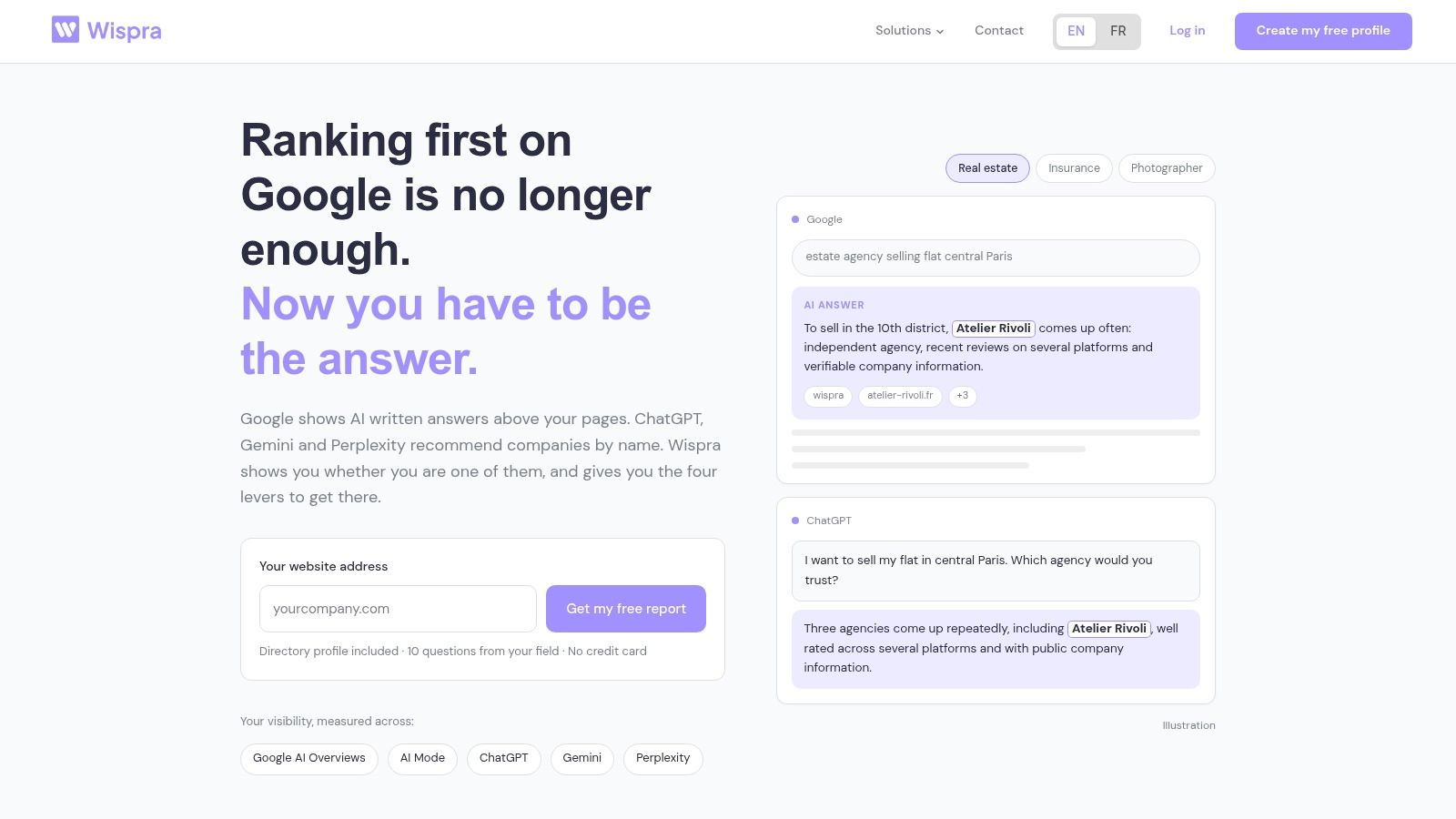
A lot of small businesses are still buying tools for rankings, posts, and email while missing a newer job entirely: being legible to AI systems that answer customer questions directly.
That is the job Wispra is aimed at.
Wispra is a French SaaS platform focused on GEO, or Generative Engine Optimisation. In practical terms, it helps a business publish clearer facts about who it is, what it does, where it operates, and why it should be cited in AI-generated answers. That is a different workflow from classic SEO research tools, and it matters at a different stage of growth.
Where it becomes useful
Wispra starts to make sense after the basics are already handled. Your website exists. Your core service pages are live. Your business details are stable. At that point, the question shifts from "can Google index us?" to "can AI assistants recognise us and describe us accurately?"
That tends to matter first for businesses that win work through recommendation. Local service firms, consultants, agencies, and niche e-commerce brands fit that pattern. If buyers ask ChatGPT, Perplexity, Gemini, or Google AI features for suggestions in your category, being present only in standard search results is no longer enough.
The platform groups several tasks that small teams often leave half-done because they sit in separate systems. It offers a public AI-focused directory profile, tools for generating FAQ-style and business-description content, review aggregation, a tracking pixel, and reporting tied to AI visibility signals such as identity clarity, authority, reputation, and expertise.
That package is useful when the job is visibility in machine-mediated discovery, not just more traffic.
Where it fits in a small business stack
The useful comparison is not Wispra versus Google Business Profile, or Wispra versus Canva. They solve different jobs. Wispra sits closer to the "measure AI visibility and create AI-readable assets" part of the stack.
It becomes worth paying for when two conditions are true:
- Customers in your category increasingly use AI assistants to shortlist suppliers.
- You need a simpler way to publish structured business information without adding a full SEO platform.
If those conditions are not true yet, Wispra can be early. A very small business with little search demand, no content habit, and no clear offer usually gets more value from tightening its core website and local presence first.
For teams evaluating the directory model specifically, how Wispra's AI directory can transform your visibility in 2026 explains the logic behind it.
Trade-offs to understand before subscribing
Wispra's advantage is focus. It does not ask a business owner to learn enterprise SEO software just to answer a simple question: do AI systems know who we are and can they cite us correctly?
That focus also sets the limits.
- Useful early: Businesses that need a public profile and AI-readable business content without rebuilding their site.
- Less useful early: Businesses still refining their services, pricing, or basic web presence.
- Lower complexity than broad SEO suites: Better fit for lean teams that want one workflow for AI visibility signals.
- Narrower scope than Semrush or Ahrefs: It is not a substitute for deep keyword research, backlink analysis, or technical site audits.
- No guaranteed outcomes: No tool can promise inclusion in AI answers, because final citation choices depend on each engine's own retrieval and generation systems.
That last point matters. Wispra can improve the clarity and accessibility of your business information. It cannot control whether a model chooses to mention you in a given answer.
For a small business choosing tools by job, that makes Wispra easier to place. Use it when AI discovery has become a real acquisition channel and you need to measure and improve that presence without taking on a larger SEO stack.
3. Semrush
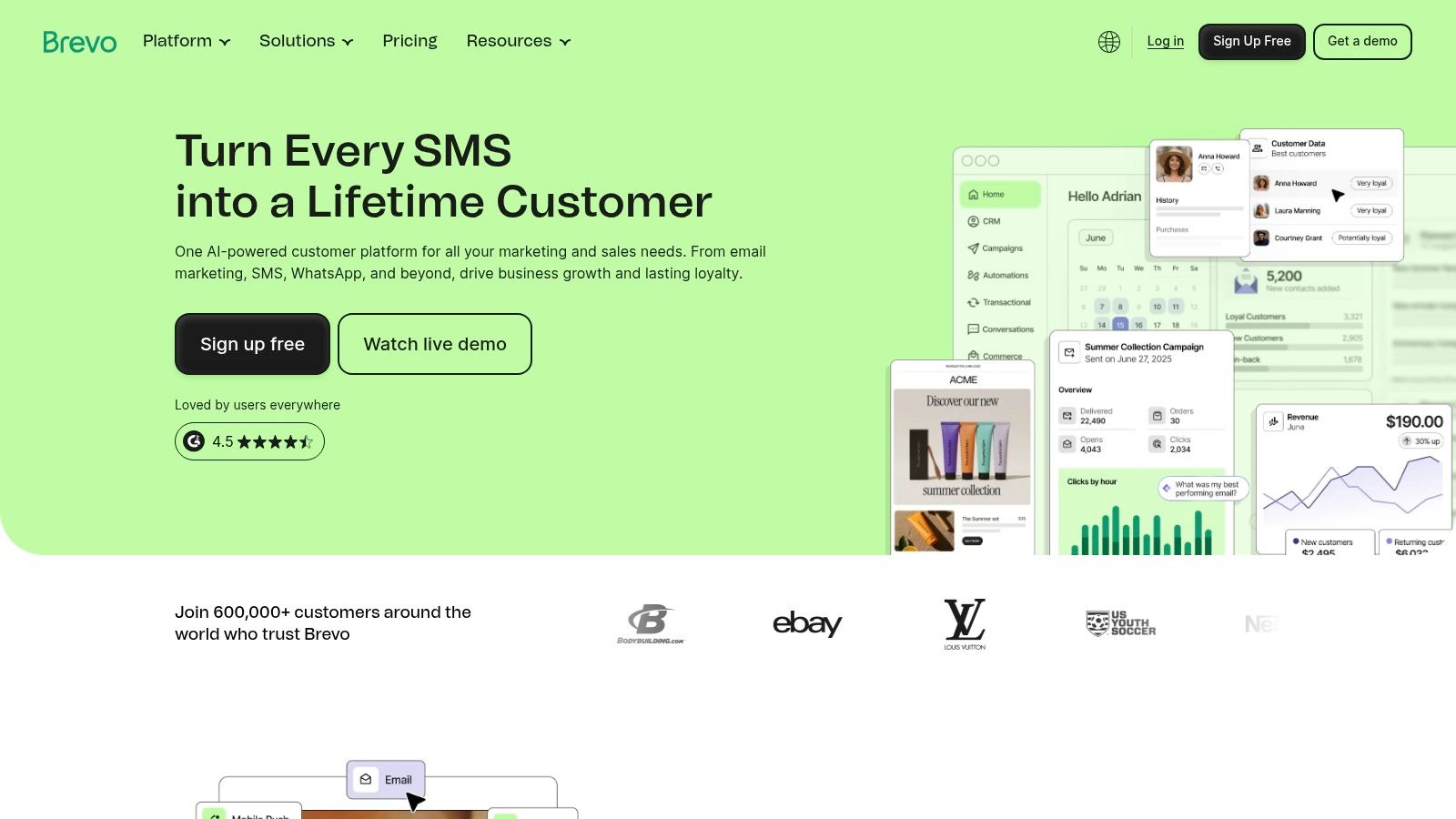
Semrush is what many small businesses buy when they want one account to cover SEO research, site audits, rank tracking, backlink work, and advertising intelligence. That breadth is both the product's strength and the reason some teams overbuy it.
If your site has multiple service pages, active competitors, and a real need to decide what to publish next, Semrush earns its place. If you only need a few keyword ideas and an occasional technical check, it can be more platform than plan.
Where it earns the subscription
Semrush becomes useful when guessing is expensive. You need to know what competitors rank for, whether key pages are missing search demand, and whether technical issues are holding back visibility.
For an owner-managed site, the best use is usually narrow:
- Keyword discovery: Find terms worth building pages around.
- Site auditing: Catch crawl, metadata, and internal linking issues.
- Competitive comparison: See where rivals are visible and you're absent.
That's enough for many SMBs. The mistake is paying for the whole suite, then using only one report.
Don't buy Semrush and Ahrefs together unless different people own different workflows. For most small businesses, that's duplicated cost with no real gain.
Where it becomes costly
The platform gets costly when extra users, projects, or add-ons creep in. It also gets complex quickly if nobody on the team understands what to do with the data. A dashboard full of keyword movement isn't a strategy.
Semrush is strongest when one person can turn research into action. Publish the missing page. Fix the broken template. Update the category copy. Without that operator, the tool becomes an expensive reporting habit.
It's also worth noting that France Num's 2025 barometer showed 84% of French TPE-PME using at least one online visibility solution, with social media accounts at 66%, websites at 65%, and online sales solutions at 27%, according to the France Num 2025 report. Broad adoption doesn't mean every business needs enterprise-style research depth. Often, they need a tighter stack.
Use Semrush when search demand research and competitor monitoring are recurring needs. If you mainly want to compare options first, this roundup of Semrush alternatives for 2026 is a better starting point than buying on brand recognition alone.
4. Ahrefs
Small businesses do not need another all-in-one dashboard by default. They need a clear answer to a specific job. Ahrefs fits one job well: improving organic visibility once search is already part of how the business gets found.
That makes it narrower than Semrush, and for some teams, better. If the work is publishing service pages, tightening internal links, fixing crawl issues, and checking who is winning the searches you want, Ahrefs is often the simpler pick. If you also need paid search research, local listings management, and broader campaign reporting, it is easier to outgrow.
The practical question is timing. Ahrefs starts paying for itself when a business has enough website activity to turn research into shipped work each month. A local firm with ten static pages will rarely use it fully. A multi-location service business, ecommerce catalogue, or content-led B2B site usually will.
Here is where Ahrefs tends to earn its place:
- Backlink review: Useful when you need to assess authority gaps, spot risky links, or understand why a competitor outranks you.
- Content prioritisation: Good for deciding which pages to create or update first, especially when demand exists across services, locations, or product categories.
- Site audits: Helpful after years of piecemeal edits, plugin changes, and template clutter.
One trade-off matters more than feature depth. Ahrefs is good at showing opportunity, but it does not create operational discipline. If nobody owns content updates, technical fixes, or link outreach, the subscription becomes a record of work not done.
Cost is the second threshold. Specialist SEO software makes sense once organic search is a repeatable acquisition channel. Before that point, many small businesses get more value from tightening core local visibility, publishing consistently, and using a lighter stack. The DGE summary of the France Num barometer reflects that broader pattern of pragmatic digital investment among small firms in the DGE summary of the France Num barometer.
Choose Ahrefs when the job is to understand demand, identify content gaps, and improve organic visibility with regular follow-through. Skip it if search is still an occasional project or if the team mainly needs local presence, social publishing, or lead follow-up.
5. Canva
Small businesses rarely need better design taste first. They need faster asset production without handing every poster, social post, PDF, and promo graphic to a freelancer.
That is the job Canva does well.
In this tool stack, Canva sits in the "create assets" stage. It matters after you already know what you are trying to sell and who you are trying to reach. If Google Business Profile helps you get found locally, and search tools help you understand demand, Canva helps you turn that plan into the visuals needed to publish.
Its practical value is speed. A service business can turn one offer into an Instagram post, a flyer, a quote-cover image, a simple lead magnet, and a short video variation in one sitting. For a small team, that cuts production delays more than it improves creative quality.
The point where Canva becomes worth paying for is usually clear. One person is producing assets every week, the business wants consistent colours and fonts, and resizing the same design for different placements has become routine. At that point, brand kits, templates, shared folders, and quick format changes save real time.
There is a ceiling.
Canva does not fix weak positioning, unclear offers, or poor copy. It also starts to feel restrictive once a business needs highly distinctive branding, advanced editing control, or campaign creative that cannot look templated. The default style is recognisable, and premium brands usually need more custom design work than Canva alone supports.
That trade-off matters because "create assets" is only one job in the marketing stack. If the bottleneck is publishing discipline, Buffer or Metricool will do more. If the bottleneck is lead capture and follow-up, Brevo, Mailchimp, or HubSpot will matter more. Canva earns its place when production is slowing down campaigns that are already worth running.
Use Canva when the team needs to make decent marketing assets quickly and repeatedly. Skip the idea that it will solve strategy, differentiation, or conversion by itself.
6. Buffer
Publishing discipline usually breaks before strategy does.
Small businesses often know what they want to say. The failure point is that posts go out late, from the wrong account, or only when someone remembers. Buffer is useful at that stage. It gives a team a simple publishing system without adding the overhead of a full social management platform.
Its place in the stack is narrow, which is part of the appeal. Google Business Profile helps with local discovery. Semrush or Ahrefs help you understand demand. Canva helps create the assets. Buffer handles the next job: getting finished posts scheduled and published on time.
That matters once posting becomes a repeated process instead of a spare-moment task. A solo owner can queue a week of updates in one sitting. A small team can separate drafting from approval without building a complicated workflow.
Buffer starts to earn its cost when consistency is the bottleneck. Common signs are easy to spot:
- Posts are being published manually from a phone
- Content is ready, but it sits in drafts or shared docs
- Two or three people need access without sharing passwords
- Google Business Profile posts need to fit into the same routine as social updates
The trade-off is clear. Buffer is strong at scheduling and light coordination, but it is not the tool I would choose for heavy reporting, social listening, or multi-layer approval chains. Costs can also climb once a business adds more channels than expected, because simple pricing at a small scale is not always cheap at a wider one.
That is the point where the tool either fits neatly or starts to pinch. If the job is publish consistently across a manageable set of channels, Buffer stays efficient. If the job expands into analytics, client reporting, paid campaign oversight, or managing several brands, the business is usually close to needing something like Metricool instead.
Use Buffer when the problem is missed publishing, scattered access, or no posting rhythm at all. Skip it if scheduling is already under control and the bigger issue is reporting depth or lead conversion.
7. Metricool
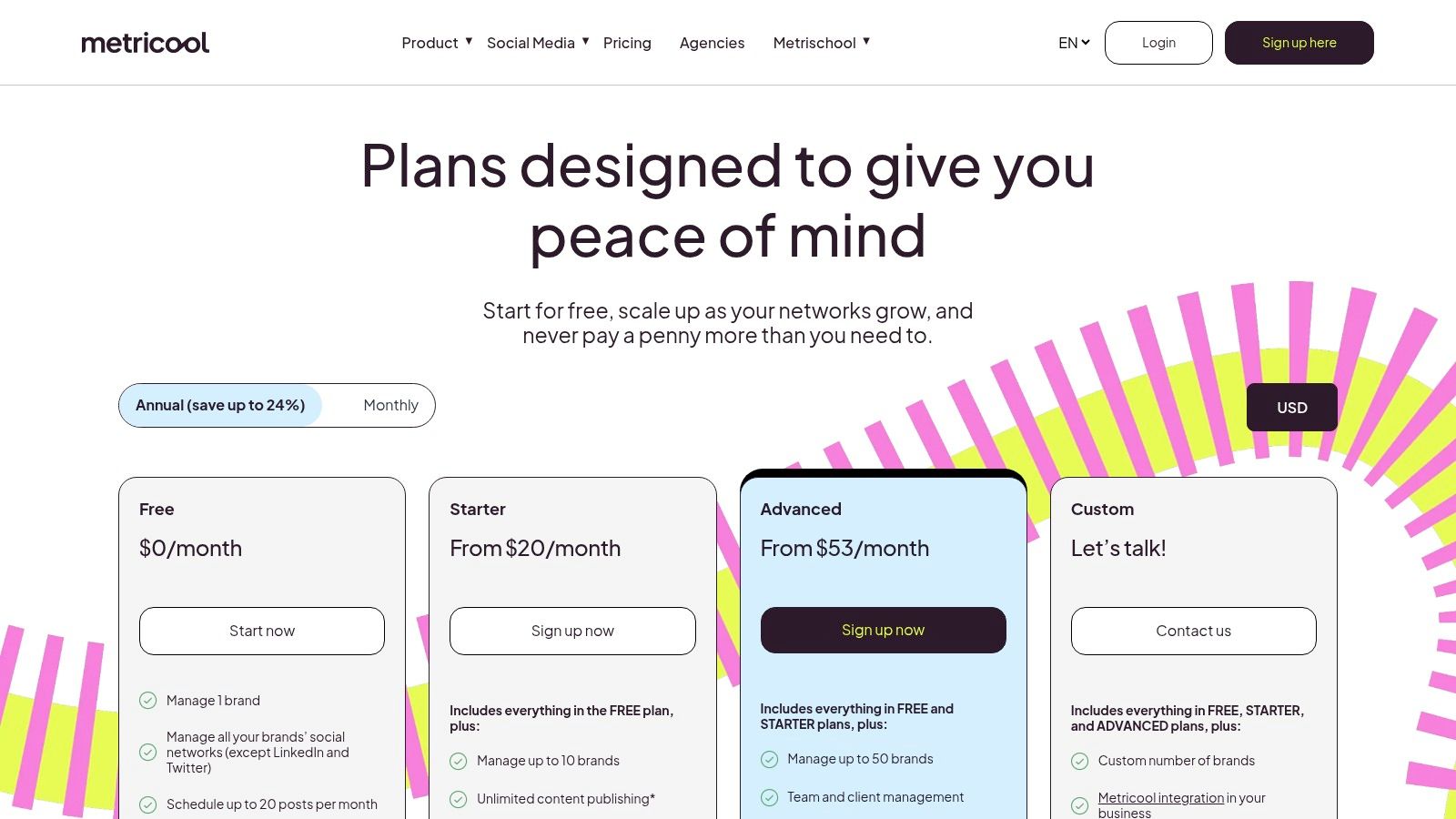
A lot of small businesses buy a scheduling tool first and discover later that publishing was not the hard part. The harder job is proving what happened across channels, accounts, and paid campaigns without stitching reports together by hand. That is the point where Metricool starts to make sense.
In the job-based stack, Metricool sits between "publish consistently" and "measure what is working." It is useful once the business has more than one account, more than one decision-maker, or a reason to compare organic posts with ad performance in the same place.
I would look at Metricool in three situations:
- A consultant or small agency reports on several client brands each month
- An in-house marketer manages both social content and paid social oversight
- A growing SMB has moved past posting for visibility alone and needs cleaner performance reviews
The main appeal is not just scheduling. It is the jump in oversight. Metricool gives small teams a more practical way to review channel results, track multiple brands, and prepare client-friendly summaries without moving into a heavier platform like HubSpot.
That extra visibility has a cost. The interface asks for more attention, and a solo owner with one location and a light posting schedule may never use half of it. If the business only needs a reliable publishing rhythm, this will feel like extra software to feed.
Pricing also needs a closer look than it first appears to. Brand-based plans can suit freelancers and agencies well, but they become less tidy if account counts grow unevenly or if a business adds side brands, regional pages, and test properties.
Use Metricool when the job has expanded from posting content to managing reporting across brands or channels. Skip it if the business still needs a simpler habit-building tool more than a reporting layer.
8. Brevo (formerly Sendinblue)
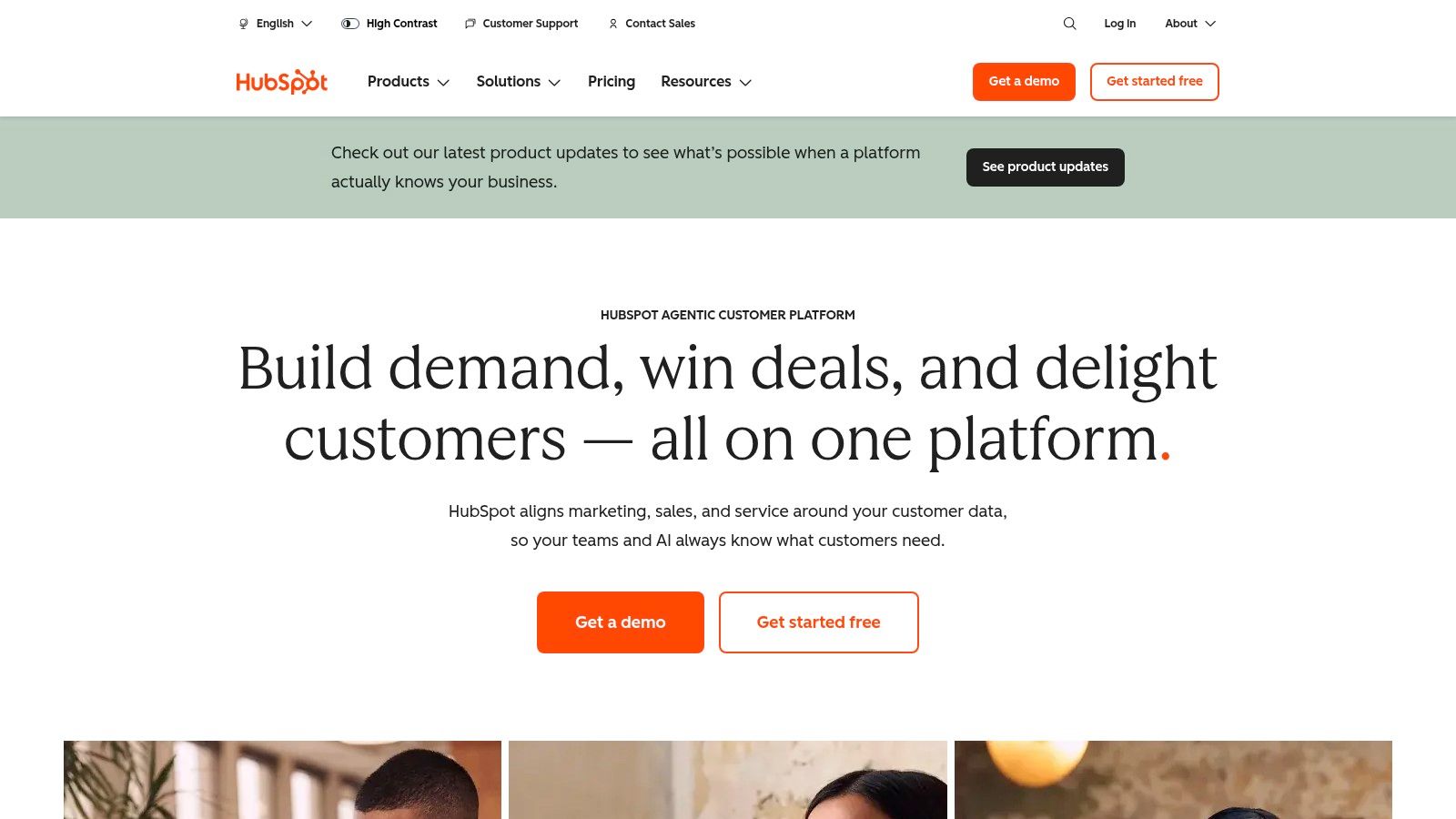
Brevo is one of the more practical options for European small businesses because it brings email, SMS, WhatsApp, automation, transactional messaging, and a basic CRM into one place. For France-based teams, that combination is often more useful than buying a US-centric email tool and adding extra connectors later.
The product isn't the deepest specialist in each channel. That's precisely why it works for many SMBs.
Where it becomes useful
Brevo becomes useful when the business needs messaging across more than email alone. Appointment reminders, lead follow-ups, order notifications, newsletter campaigns, and basic sales contact tracking can sit in one system instead of being split across several vendors.
That suits service businesses, e-commerce operators, and local brands that want communication tools with a French-friendly operating context.
A few strengths stand out:
- Multi-channel messaging: Email, SMS, and WhatsApp in one environment.
- EU fit: Often a comfortable choice for teams that want French-language support and familiar compliance posture.
- Lower integration burden: Fewer moving parts than patching separate tools together.
Where specialist tools may beat it
If deep ecommerce automation, very advanced reporting, or highly specialised segmentation is the priority, a dedicated platform may outperform Brevo in that narrow area. It also gets more complex as channels, users, and message volumes increase.
Still, for many small businesses, the bigger risk isn't choosing a less advanced platform. It's choosing too many disconnected ones.
Use Brevo when you want one practical messaging stack with CRM-lite capabilities. It's especially strong when your team wants to operate in French and keep setup overhead contained.
9. Mailchimp
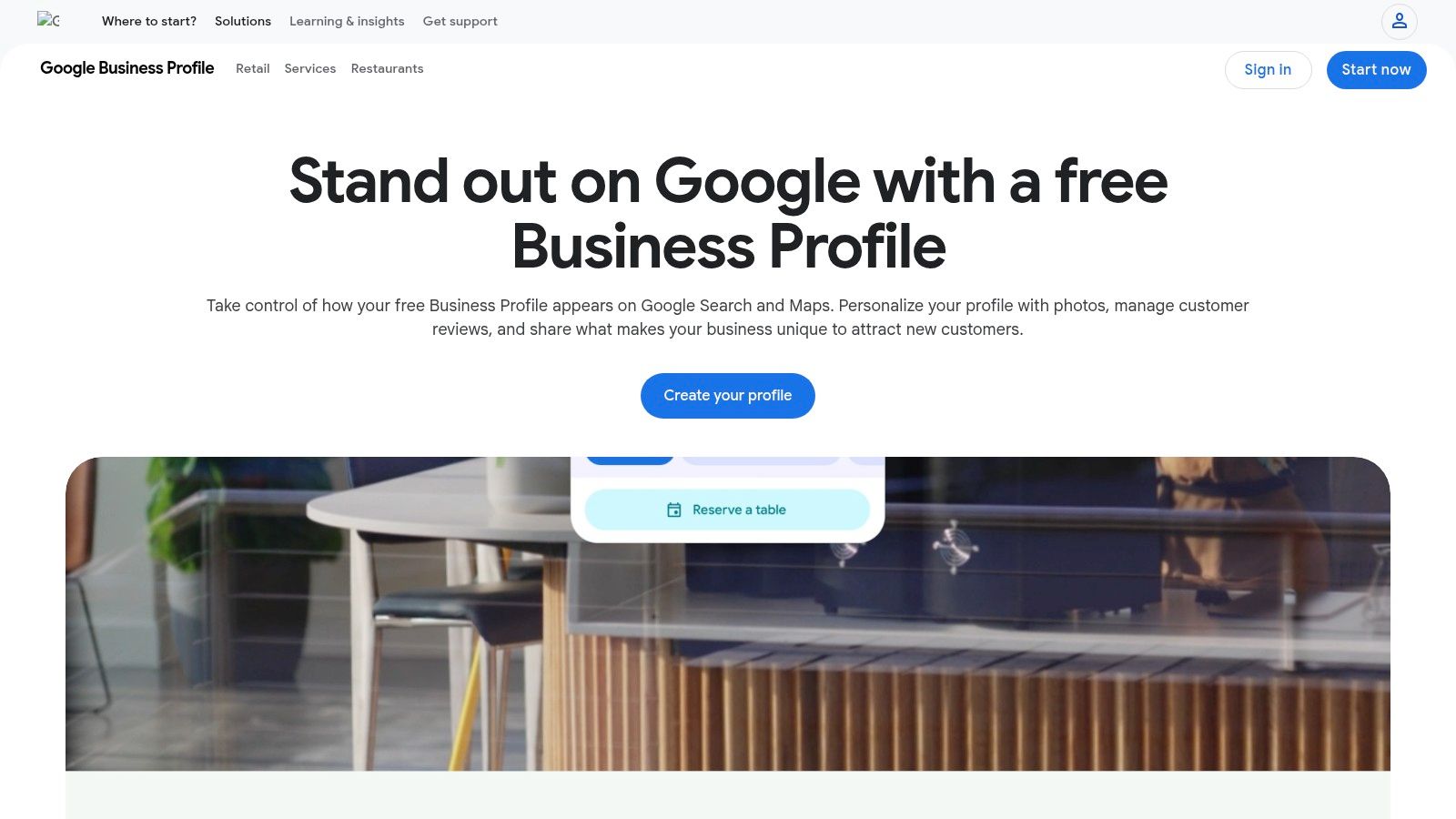
Mailchimp is still the default email platform many small businesses recognise first, and there's a reason for that. It's approachable, widely integrated, and supported by a large ecosystem of tutorials and implementation guides.
That familiarity lowers friction. For a business sending newsletters, lead nurture sequences, or simple ecommerce emails, lower friction matters more than feature bragging rights.
Why people still choose it
Mailchimp becomes useful when the team needs email automation without much setup drama. The drag-and-drop builder is accessible, templates are plentiful, and the customer journey tooling is understandable enough for non-specialists.
It's a good fit when you want:
- A familiar interface: Helpful if nobody on the team is email-native.
- Strong integration coverage: Useful across common site and commerce setups.
- Simple lifecycle automation: Welcome emails, nurture flows, and basic segmentation.
That combination is why it remains popular.
Where the friction appears later
The main issue is that free and lower-tier plans often feel narrower over time, especially once automation and reporting needs grow. Mailchimp also makes more sense as an email-first platform than as a broad operational hub.
If your business wants sales pipeline management, multi-channel messaging, and shared contact records across teams, Mailchimp can feel like part of the stack rather than the centre of it.
Use Mailchimp when email is the main conversion channel and ease of use matters most. If SMS, WhatsApp, or EU-centric operations matter equally, Brevo may be the more practical choice.
10. HubSpot Marketing Hub
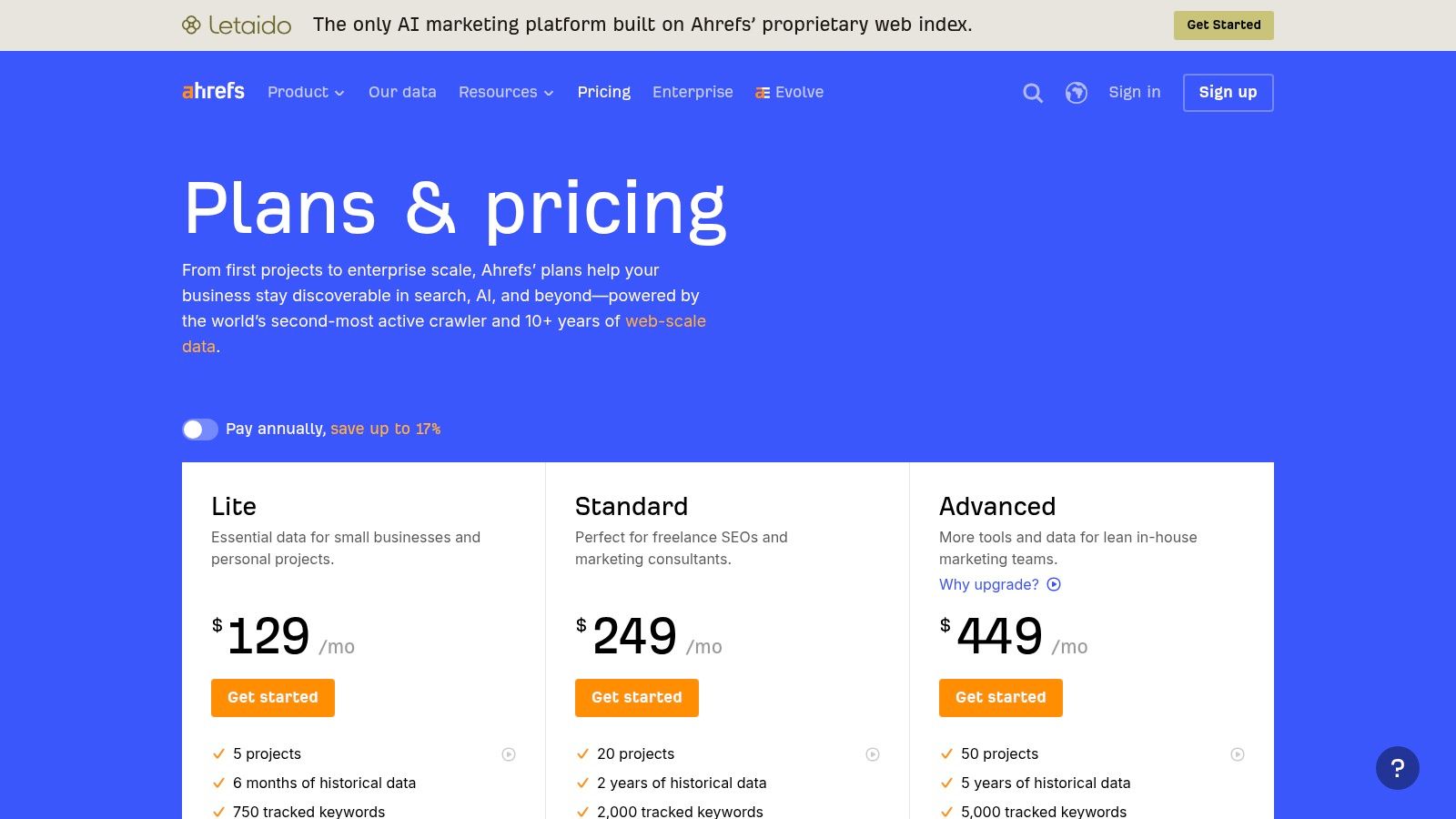
HubSpot becomes attractive when marketing can't be separated cleanly from sales. Lead capture, follow-up, contact history, forms, landing pages, email sequences, pipeline stages, and reporting all start to depend on the same customer record.
That's the point where simple point tools often break down. Not because they're bad, but because handoffs become messy.
When HubSpot is justified
HubSpot is justified when CRM-led growth is real, not aspirational. You have leads to route, lifecycle stages to manage, follow-ups to automate, and more than one person touching the customer journey.
In that situation, the biggest advantage isn't one specific feature. It's shared context.
- Sales and marketing alignment: Contacts, forms, campaigns, and follow-up activity live together.
- Scalable path: Teams can start with the free CRM and expand without migrating systems.
- Strong support ecosystem: Templates, Academy training, and partner help are mature.
For growing B2B firms and service businesses with consultative sales, that can be worth paying for.
When it's too much
HubSpot is too much when the business has low lead volume, short sales cycles, or no real process discipline. Buying a larger platform won't create operational maturity by itself. It often just exposes the lack of one owner.
It can also become expensive once contacts, hubs, onboarding, and extra functionality expand. That doesn't make it poor value. It means the value only appears when the business uses the breadth.
If one person handles enquiries in a shared inbox and closes most deals by phone, HubSpot may be premature. If leads are getting lost between marketing and sales, it probably isn't.
Use HubSpot when your growth model depends on CRM-centred execution. Otherwise, lighter tools usually produce a better return.
Top 10 Digital Marketing Tools Comparison
| Product | Core features | Quality ★ | Value / Price 💰 | Target 👥 | Unique selling point ✨ |
|---|---|---|---|---|---|
| Wispra 🏆 | AI‑optimized public directory, automated content engine, review aggregation, AI visibility pixel, realtime dashboard | ★★★★☆ | Free profile + report; Performance 24 EUR/mo (excl. VAT) 💰 | Local SMBs, freelancers, agencies, e‑commerce (France) 👥 | GEO pioneer, makes businesses verifiable & citable by conversational AIs ✨ |
| Google Business Profile | Free listing: hours, posts, photos, reviews, messaging | ★★★★☆ | Free 💰 | Local & service‑area businesses, storefronts 👥 | Direct visibility on Google Search & Maps; local discovery ✨ |
| Semrush | Keyword research, site audit, rank tracking, competitive insights, AI tools | ★★★★☆ | Tiered pricing; can grow costly with add‑ons 💰 | SMBs & agencies needing full SEO/SEM stack 👥 | All‑in‑one visibility data and competitor intelligence ✨ |
| Ahrefs | Backlink explorer, keyword research, site audits, rank tracking | ★★★★☆ | Premium pricing; strong ROI for link data 💰 | SEO teams, technical marketers, agencies 👥 | Deep crawler & best‑in‑class backlink data ✨ |
| Canva | Templates, brand kit, AI design tools, team workflows | ★★★★☆ | Free + Pro plans for teams/brand features 💰 | SMBs, marketers, freelancers creating visual content 👥 | Fast on‑brand asset creation with large template library ✨ |
| Buffer | Social post scheduling, basic analytics, GBP posting | ★★★☆☆ | Free tier; per‑channel pricing model 💰 | Small teams & solo social managers 👥 | Simple, quick scheduling and team collaboration ✨ |
| Metricool | Post scheduling, ads planning, analytics, competitor tracking | ★★★☆☆ | Affordable brand tiers; annual discounts 💰 | EU SMBs, freelancers, agencies looking for value 👥 | Lower cost per brand with clear plan docs ✨ |
| Brevo (Sendinblue) | Email, SMS, WhatsApp campaigns, automation, CRM, transactional email | ★★★★☆ | Free tier; pay as you scale by volume/channels 💰 | EU/France SMBs needing compliant multi‑channel messaging 👥 | French support, multi‑channel messaging in one platform ✨ |
| Mailchimp | Drag‑drop email builder, automation journeys, forms, e‑commerce integrations | ★★★☆☆ | Tiered plans; tightened free quotas 💰 | SMBs wanting familiar email & automation tools 👥 | Extensive templates, integrations and learning resources ✨ |
| HubSpot Marketing Hub | CRM‑integrated marketing, forms, automation, landing pages, ads | ★★★★☆ | Free CRM; paid hubs scale by contacts/credits 💰 | Growing SMBs needing unified sales + marketing stack 👥 | Scalable ecosystem with tight CRM integration & partner network ✨ |
Choose the Job Before the Subscription
The easiest way to waste money on digital marketing tools for small business is to buy software in the wrong order. Small teams often purchase an advanced suite because it feels strategic, then discover the bottleneck was basic visibility, asset production, or follow-up discipline.
Start with discovery if location matters. A physical shop, clinic, restaurant, estate agency, or service-area business should secure Google Business Profile first and keep it accurate. If people can't find your hours, services, or reviews easily, adding more software won't fix the leak. Local visibility still does the heavy lifting for many businesses, and it's often the cheapest improvement available.
After that, choose one SEO research platform if search demand shapes your sales. Semrush and Ahrefs both do the job well, but most small businesses do not need both. Semrush fits teams that want broader competitive and visibility coverage. Ahrefs fits those with a tighter organic search focus, especially around backlinks and content planning. What doesn't work is paying for both without a clear division of use.
For social scheduling, keep the decision simple. Buffer is the better choice when your need is consistency and low friction. Metricool is the better choice when reporting, ad visibility, and multi-brand management matter more. Either tool can support a lean content process. Neither one will rescue weak messaging or an absent offer.
For email and ongoing customer communication, choose between Brevo and Mailchimp based on the operating model, not habit. Mailchimp is still a solid email-first platform with broad familiarity. Brevo is often the more practical option for French and European SMBs that want email, SMS, WhatsApp, and lightweight CRM in one environment. Pick one, implement it properly, and make sure someone owns segmentation, forms, and follow-up logic.
Canva belongs in the stack as a production layer, not a strategy layer. It helps a small team make usable assets fast, which is valuable. But it doesn't decide what campaign to run, what service to emphasise, or what customer objection to answer. If the business lacks message clarity, Canva will help it produce confused visuals more efficiently.
HubSpot deserves a different threshold. It makes sense when the business is CRM-led, with multiple touchpoints, shared sales ownership, and a clear need for marketing and sales data to live together. It doesn't make sense just because the brand is familiar or the free CRM is easy to start with. Many businesses adopt HubSpot too early and then use it as an expensive contact database.
Wispra fits beside, not instead of, SEO and local visibility work. As conversational AI becomes part of how buyers discover companies, the question shifts from ranking alone to recognition and citation. Wispra's value is in helping a business become legible to AI systems and tracking whether it appears in those recommendation flows. That's a different job from keyword research, and an increasingly relevant one.
The safest way to build a stack is still the least exciting. Start with one measurable objective, assign one owner, and set one review date. If the tool improves that workflow, keep it. If it adds complexity without changing outcomes, remove it before buying the next one.
If you want to see how your business appears in AI-driven search, Wispra gives you a practical way to check and improve that visibility without rebuilding your website. It helps small businesses publish AI-readable business information, strengthen trust signals, and monitor whether tools like ChatGPT, Perplexity, Gemini, and Google AI can find and cite them.